01
Organize.
Create and edit events, search contacts and revisit conversations by person.

Capture a meeting on iPhone, revisit its context on Mac and plan the next step with your team. Contacts, events, planning and debriefs in one workspace.
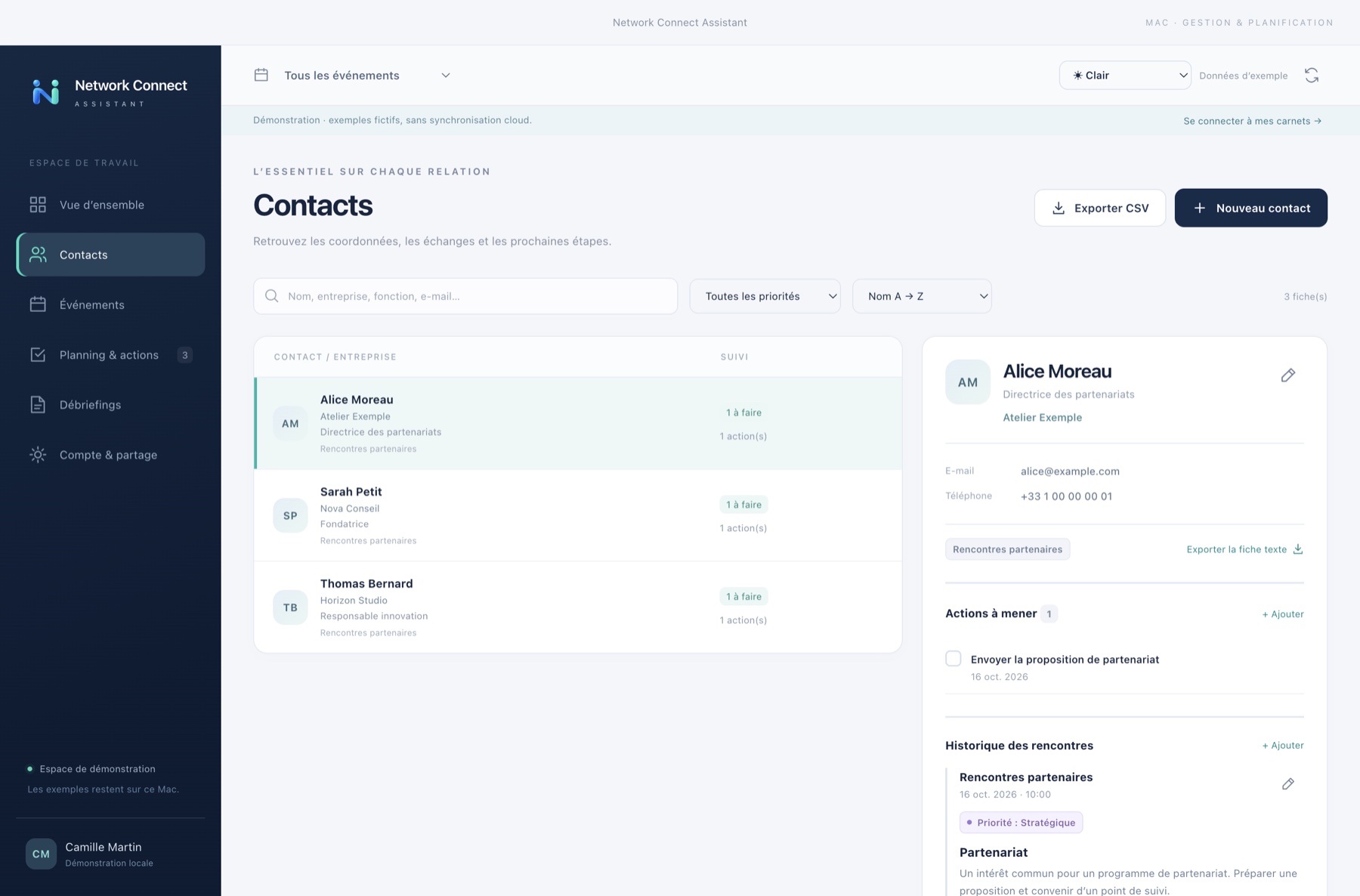
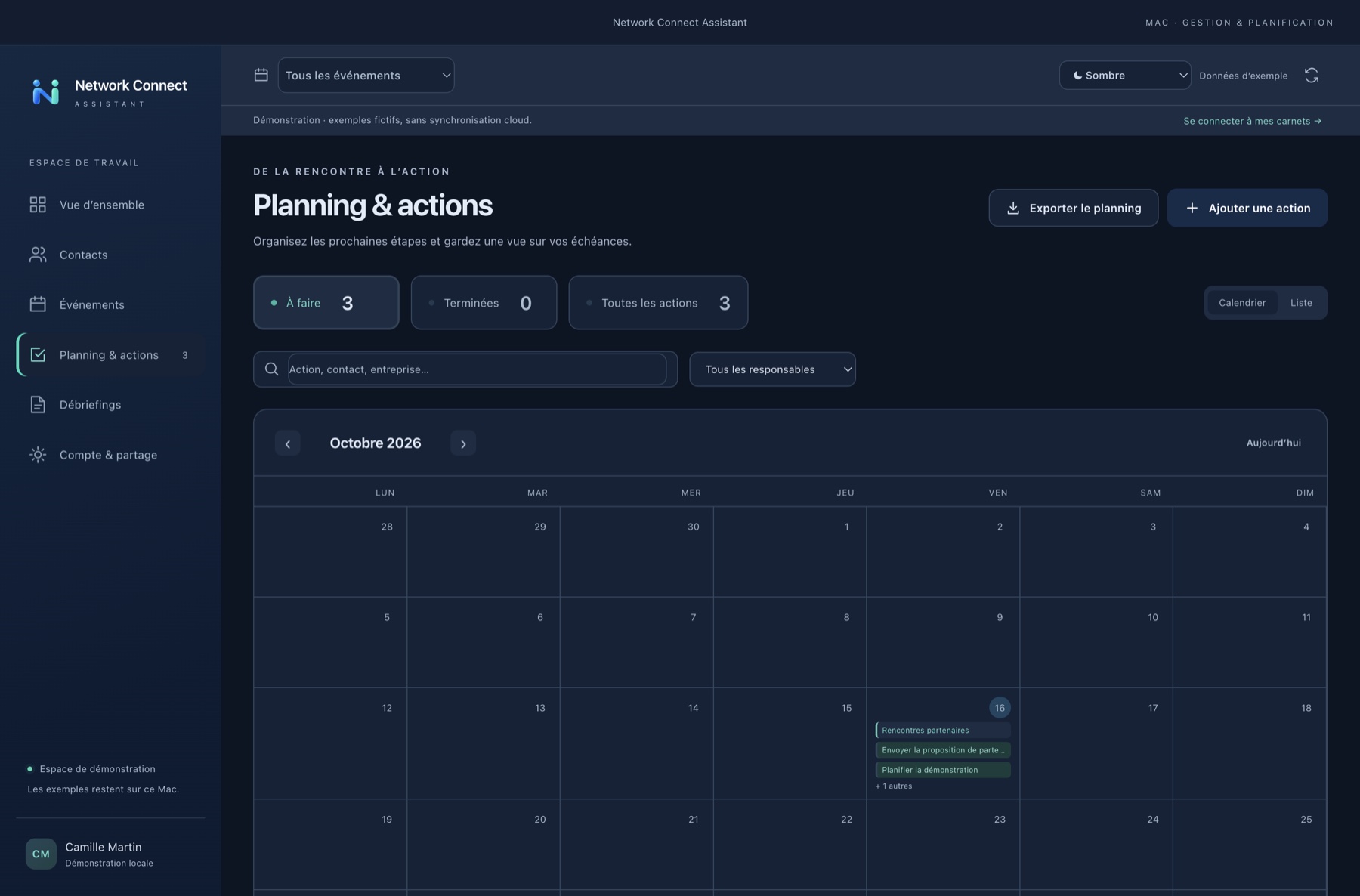
A desktop workspace for contacts, events and debriefs. Actual Mac screenshots using fictional demonstration data only. The Mac interface is currently in French.
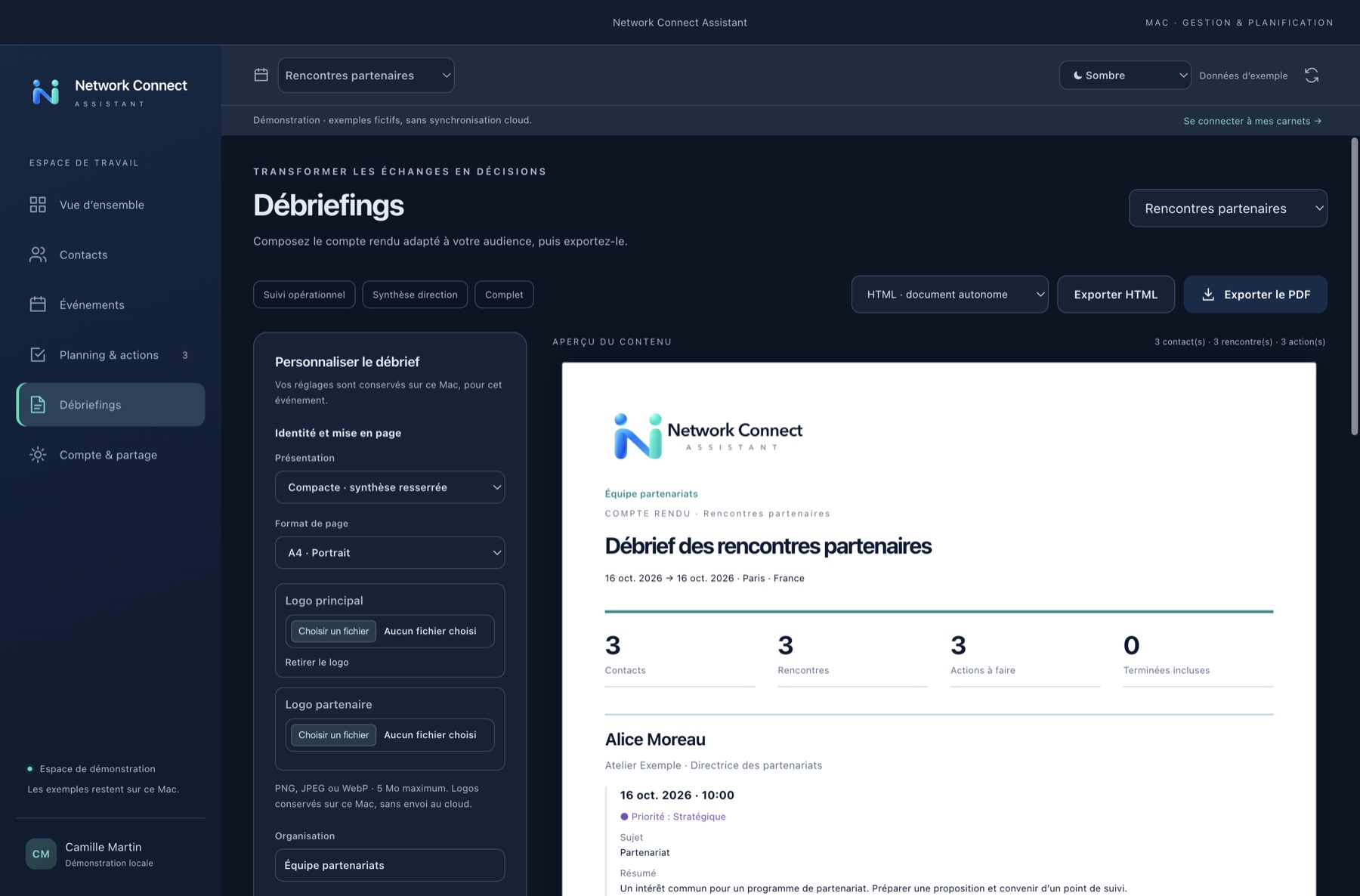
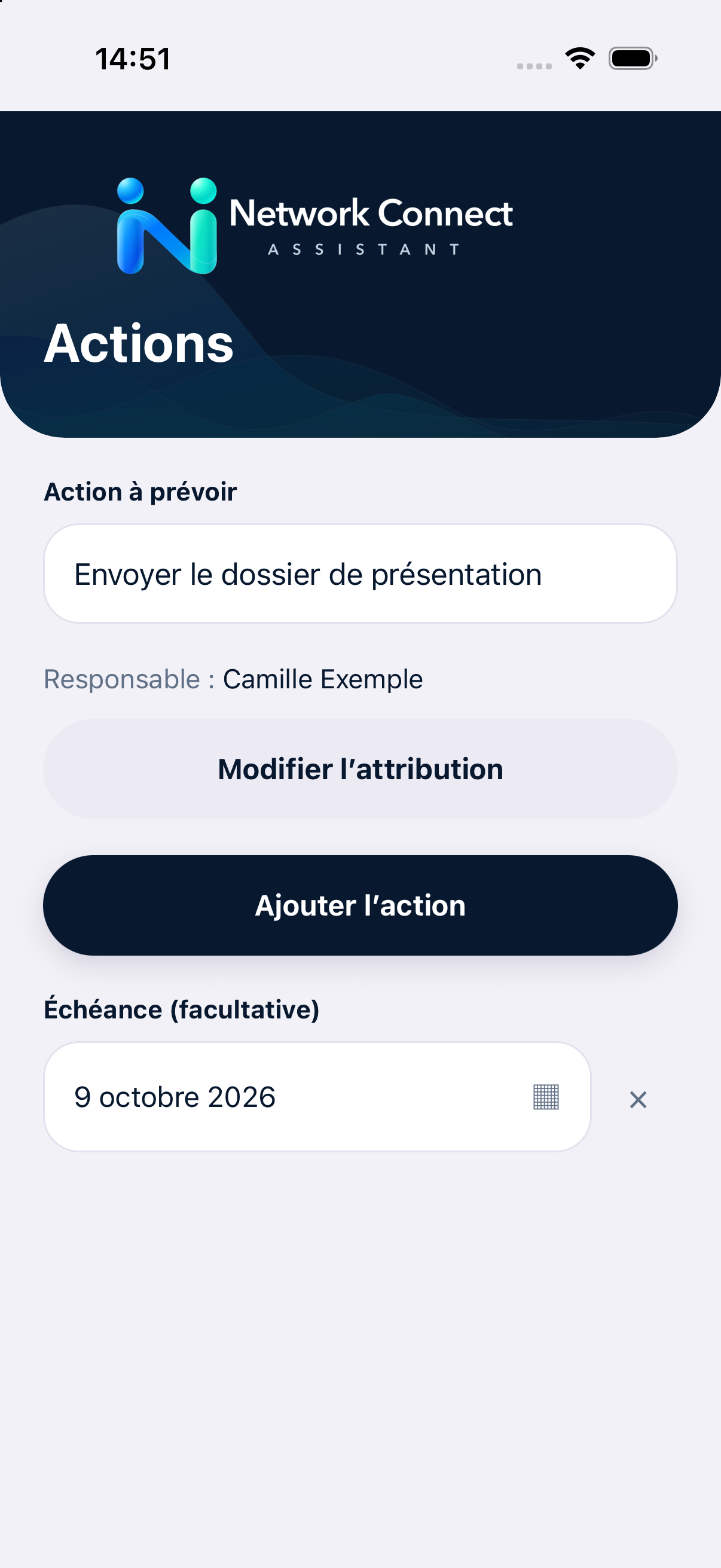
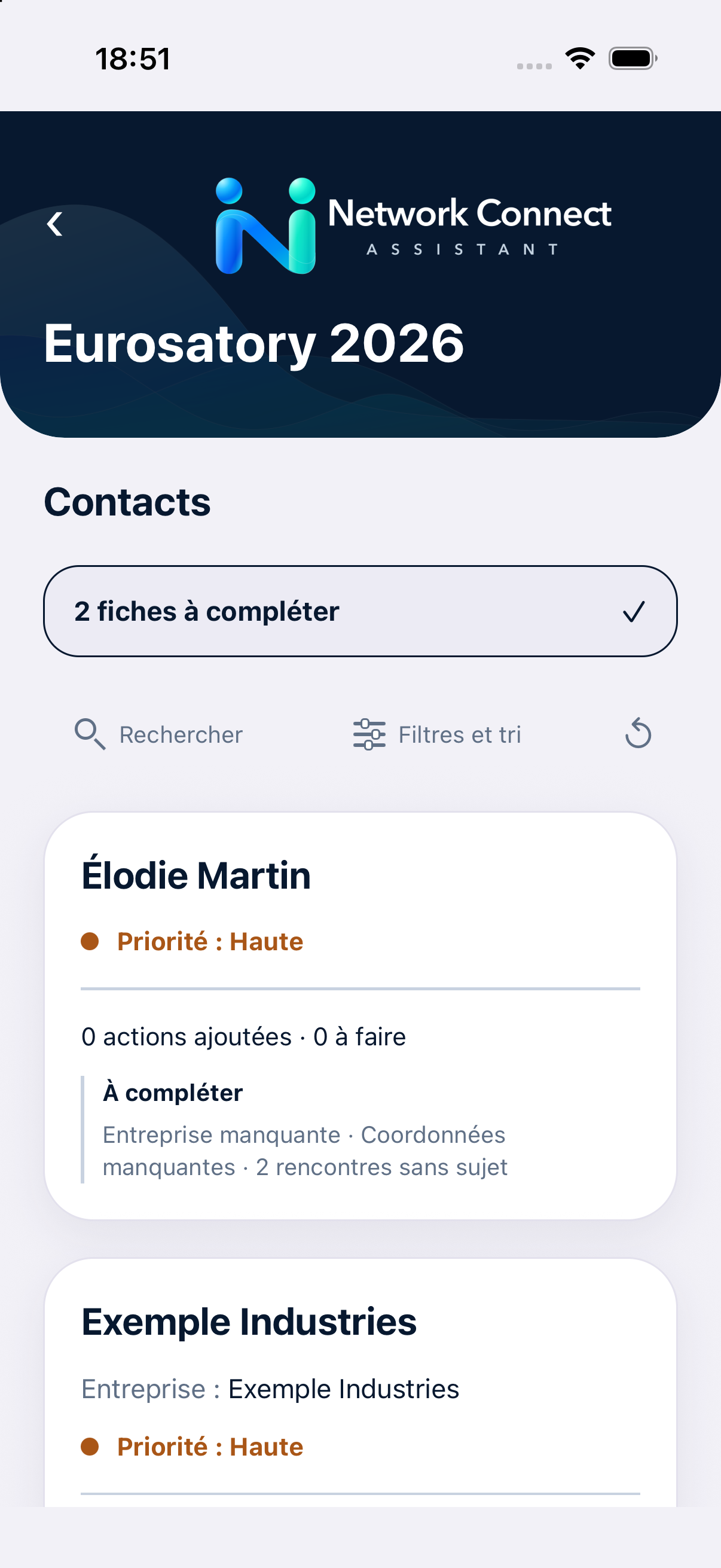
Simulator screenshots with fictional demonstration data. The interface may change before public release.
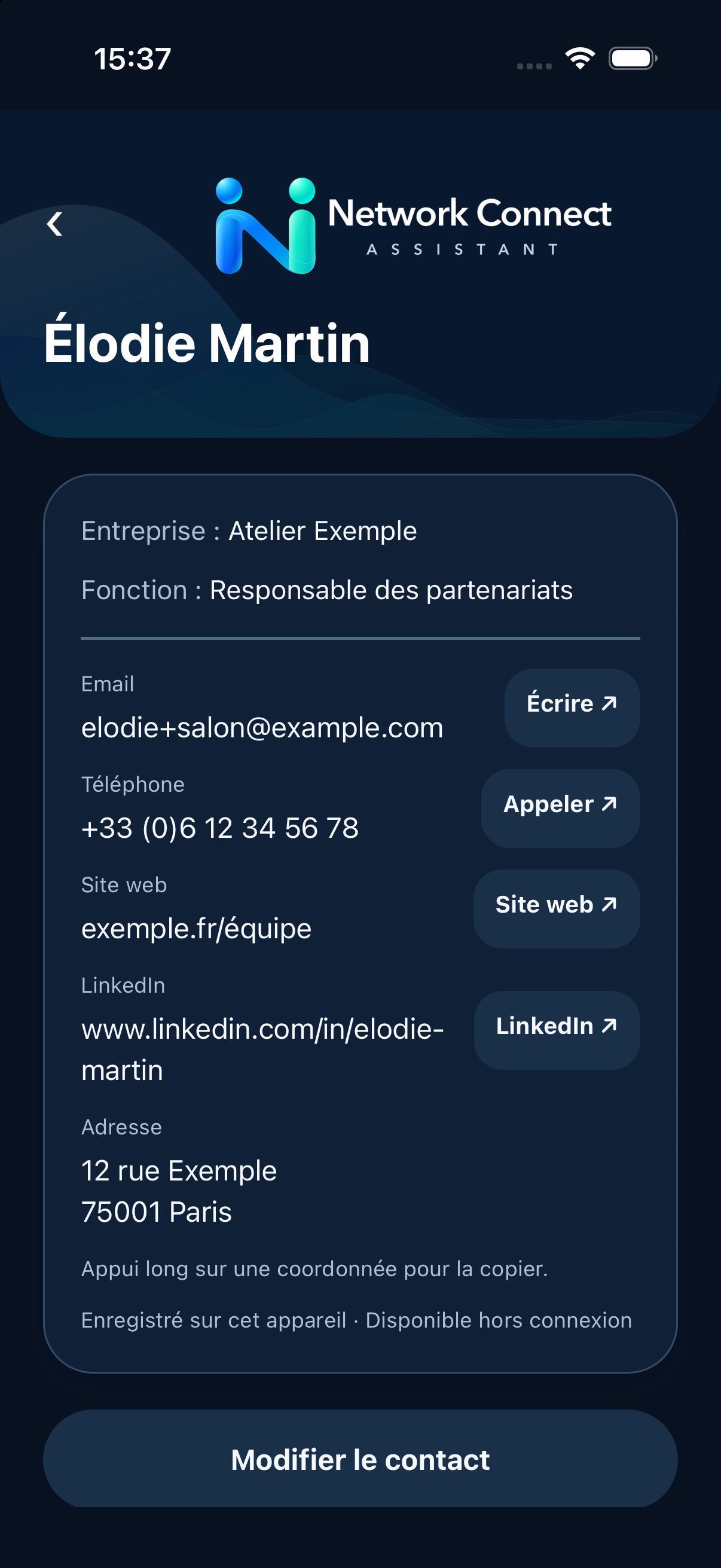
Create and edit events, search contacts and revisit conversations by person.
Photograph or import a card: the iPhone suggests details for review before saving. Enlarge, crop or replace the photo.
Invite people by link, code or QR. Share contact records and actions, with optional owners and due dates.
On Mac: two logos, organization, accent color and footer. Classic, compact or table layouts; A4 portrait/landscape, A3 landscape or Letter pages.
On Mac: PDF, standalone HTML, CSV and text using your selected fields. Export business cards as JPEG with standardized date–company–surname–first-name–job-title filenames.
Light, Dark or Automatic on Mac, with a remembered choice and live system theme changes. Exported documents keep their own white-paper layout.
Sign in on Mac with the same email address as on iPhone to find shared notebooks. Cloud sharing is optional on iPhone; a notebook kept only on the iPhone must be shared from that device before it appears on Mac. Cloud photos use private storage and notebook access is restricted to members.
On Mac, sessions, cache and debrief preferences are stored in an encrypted local vault. Personal report logos stay on that Mac. Exports contain the selected information: you choose their recipients.
PrivacyDownload Mac 0.2.0 free of charge. The iPhone/iPad release is in preparation; no public App Store or TestFlight link is announced here.
macOS 13 or newer · Apple Silicon and Intel · approximately 252 MB
Test version with a local ad hoc signature, without Developer ID signing or Apple notarization. macOS may display a warning when opening it.
If macOS blocks launch, check System Settings → Privacy & Security to allow this app after verifying its source.
This Mac version imports business cards from files. Camera/OCR capture and push notifications remain iOS features and are not included in this DMG.