01 · Convert
The right format, right away.
Decimal degrees, degrees and decimal minutes, degrees/minutes/seconds, UTM/UPS and MGRS. Conversions use the WGS84 datum and work offline.

Your coordinates, instantly. Enter a point, see it in five formats and take the useful result into the field.
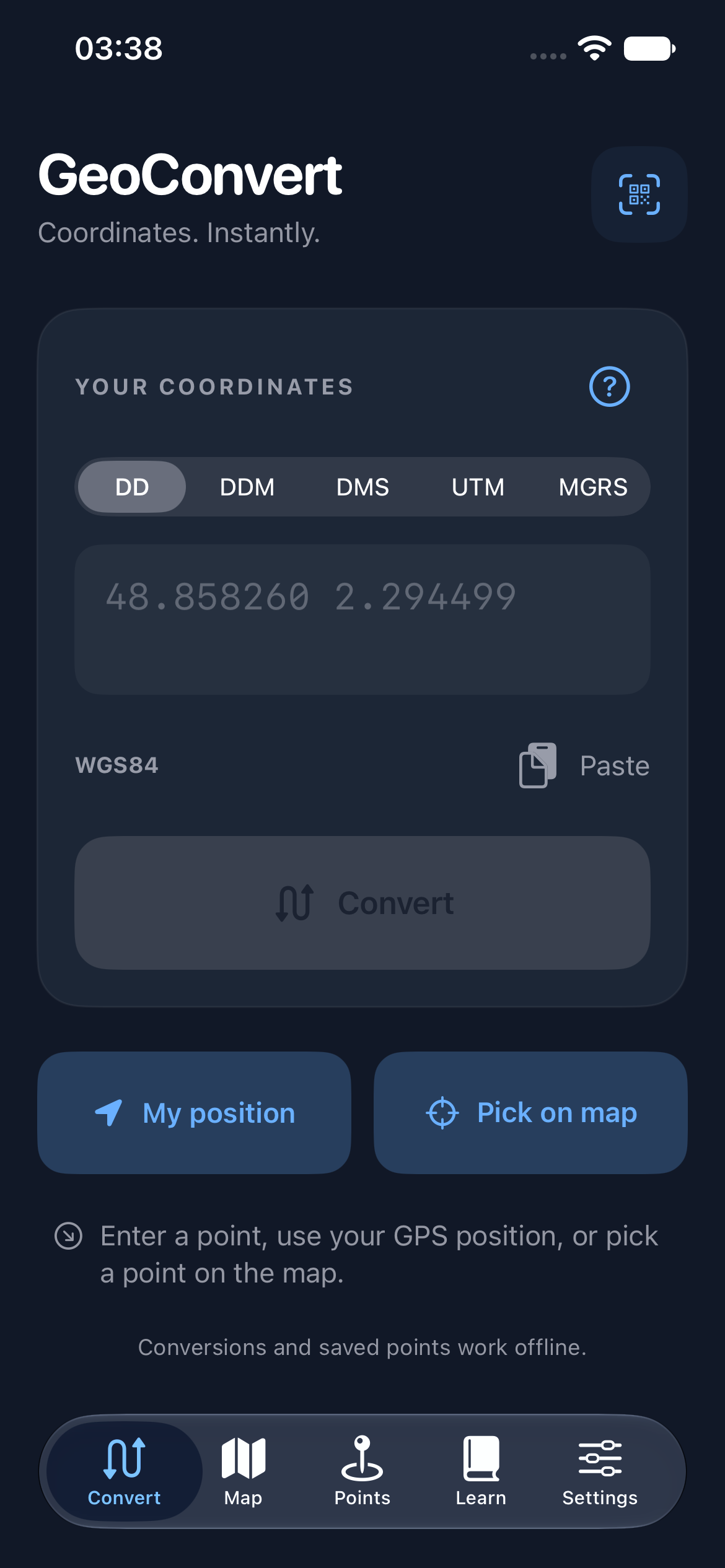
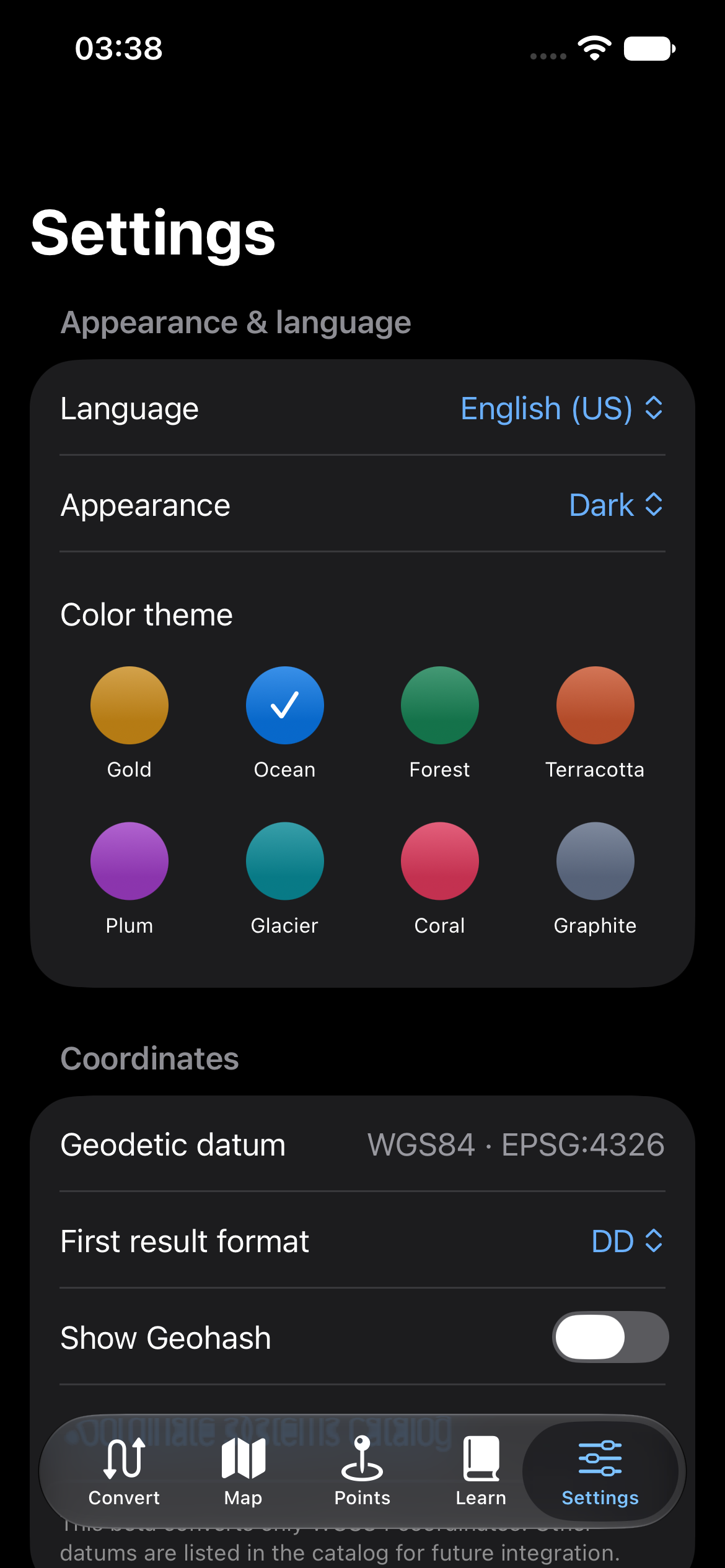
Decimal degrees, degrees and decimal minutes, degrees/minutes/seconds, UTM/UPS and MGRS. Conversions use the WGS84 datum and work offline.
Enter coordinates, take a one-time location fix or select a point on a map. Save favorites, then calculate distance and initial bearing between two points.
Copy a format, share a QR code or open the point in a navigation app. Maps and elevation need an internet connection.
Install GeoConvert from its official iPhone listing. The app requires iOS 17 or later.