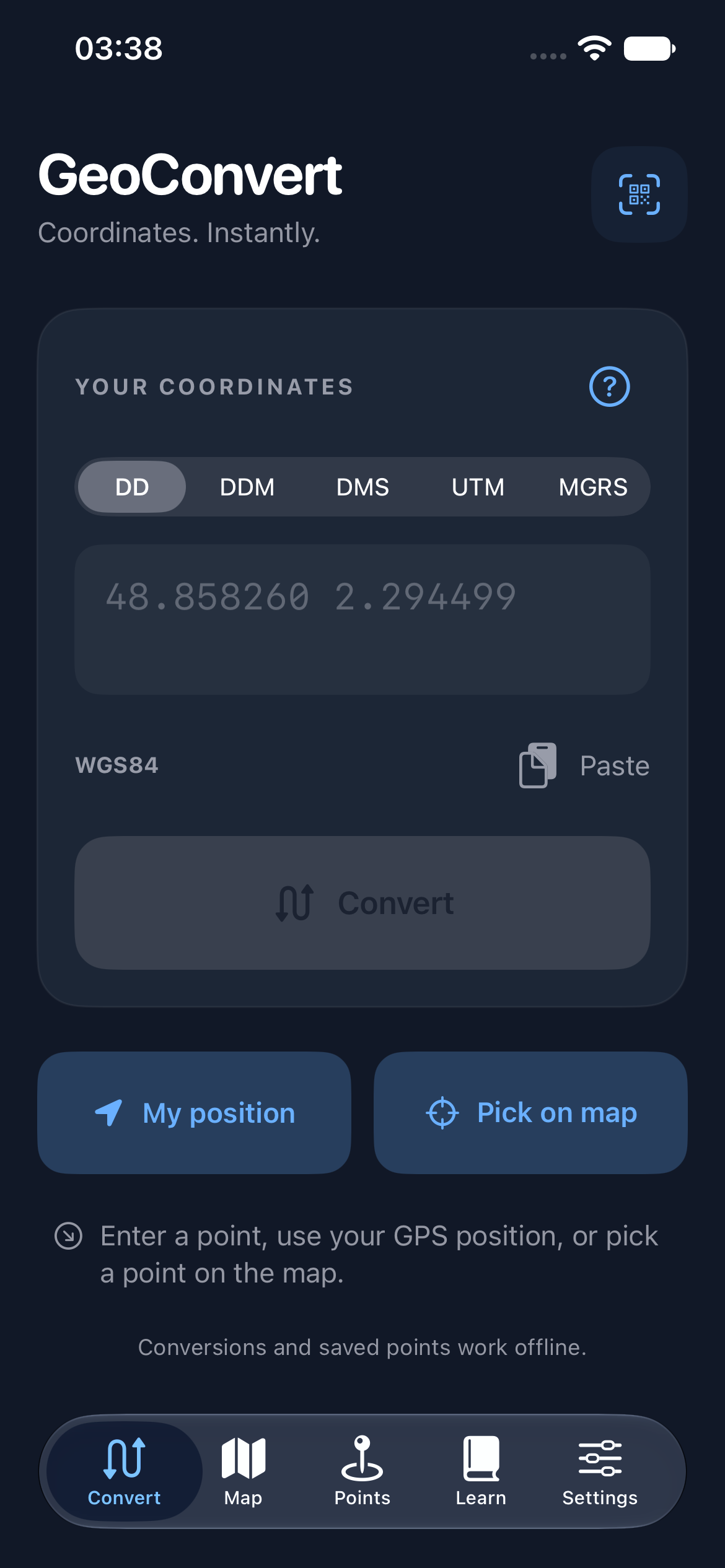
Five formats in one tap.
Decimal degrees, degrees and decimal minutes, degrees/minutes/seconds, UTM/UPS and MGRS. WGS84 datum. Conversion works offline.

One coordinate, every useful reference. Convert, copy and share points on iPhone. Core functions work without a connection.

Decimal degrees, degrees and decimal minutes, degrees/minutes/seconds, UTM/UPS and MGRS. WGS84 datum. Conversion works offline.
Enter a location, select it on a map or use your location on demand. Save favorites on your iPhone and compare two points by distance and bearing.
Copy a result, share a QR code or open it in a navigation app. Maps and on-demand elevation need Internet access.
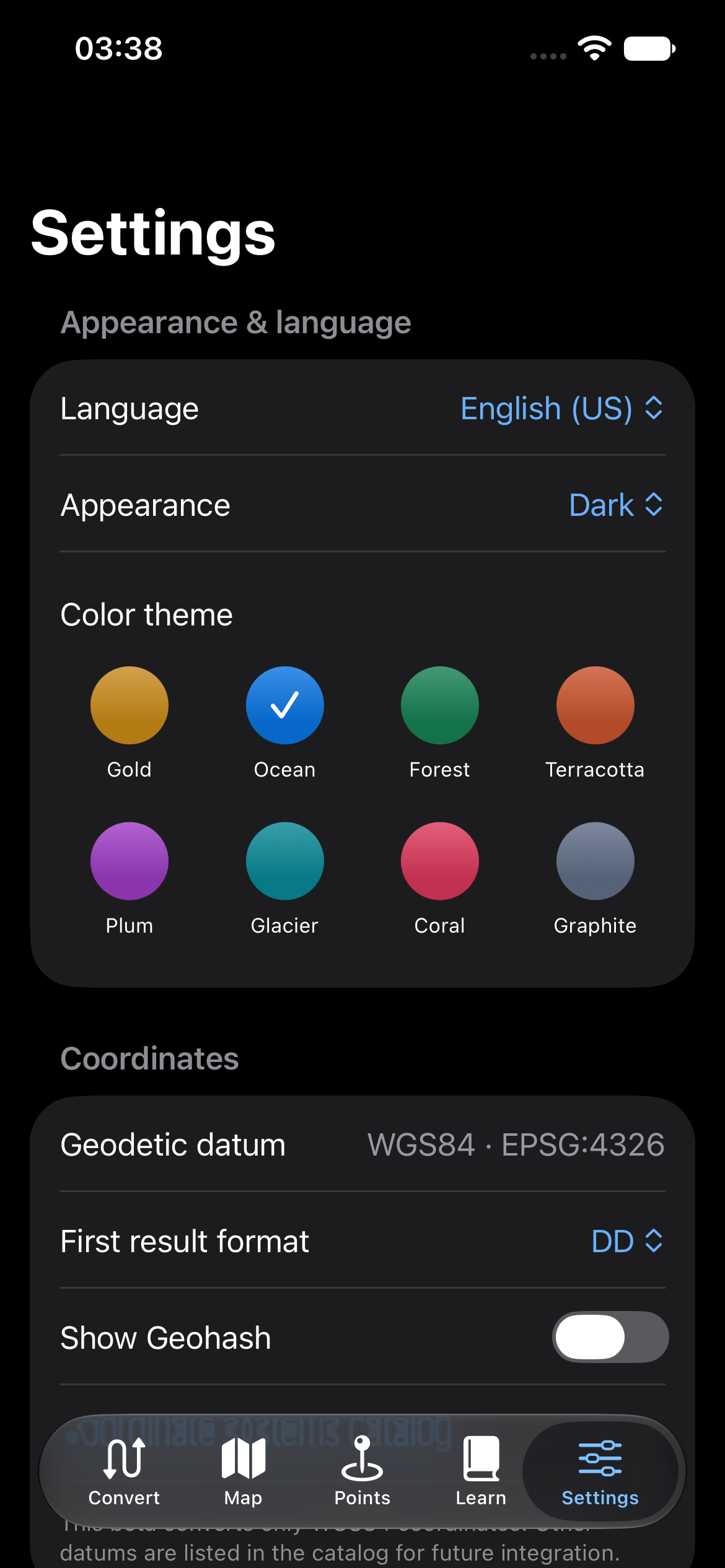
GeoConvert is being prepared for iPhone. No public App Store or TestFlight link is confirmed yet; the official link will appear here when available.
Ask for an update